 Paperpaws
Voice notes
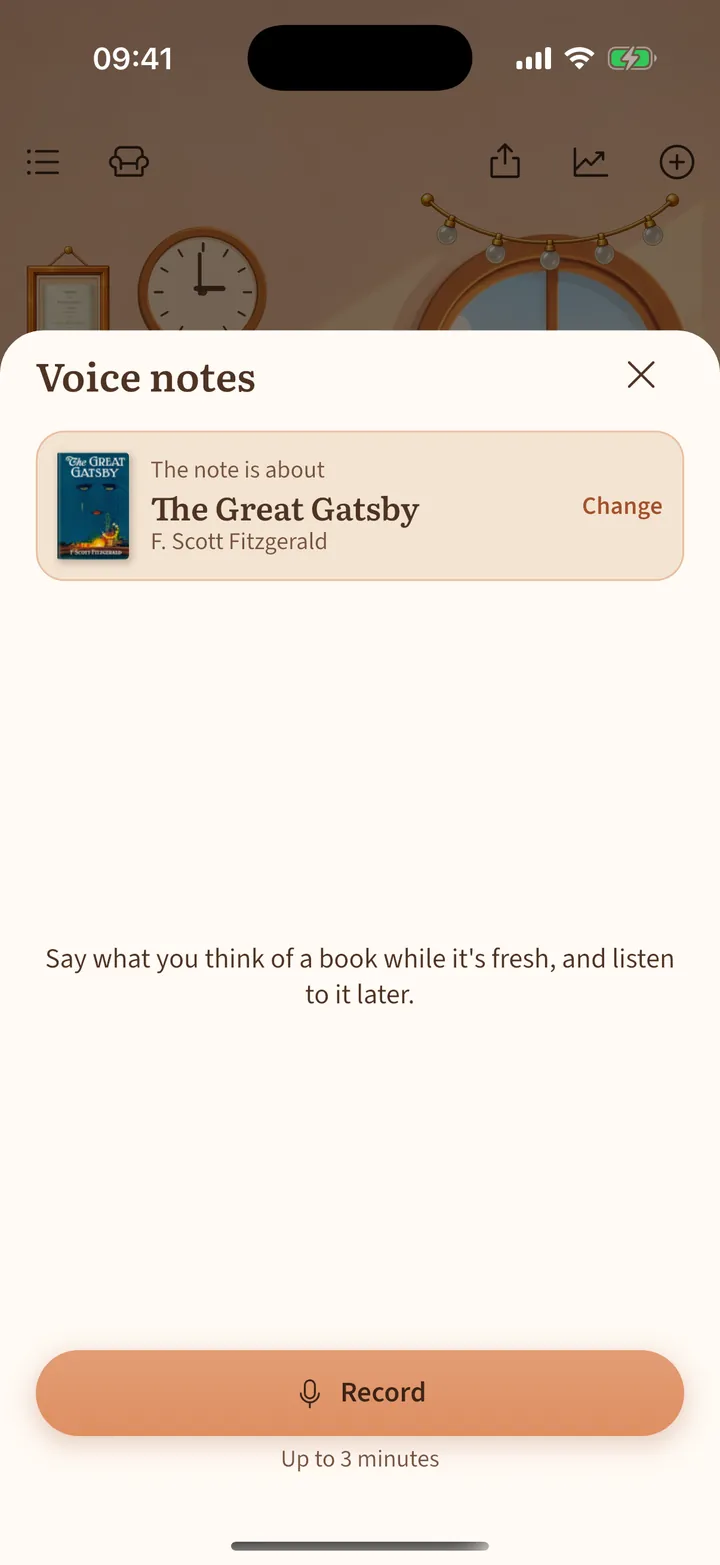
Say what you think about a book while it is fresh.
- Get the record player in Decorate › Shop. It stands on the floor by the armchair.
- Tap it. The book you are reading is chosen; tap Change for another one.
- Tap Record (up to 3 minutes) and Stop. Play your notes back any time, also from the book page.
Voice notes stay on your phone and are included in your backups.