 Paperpaws
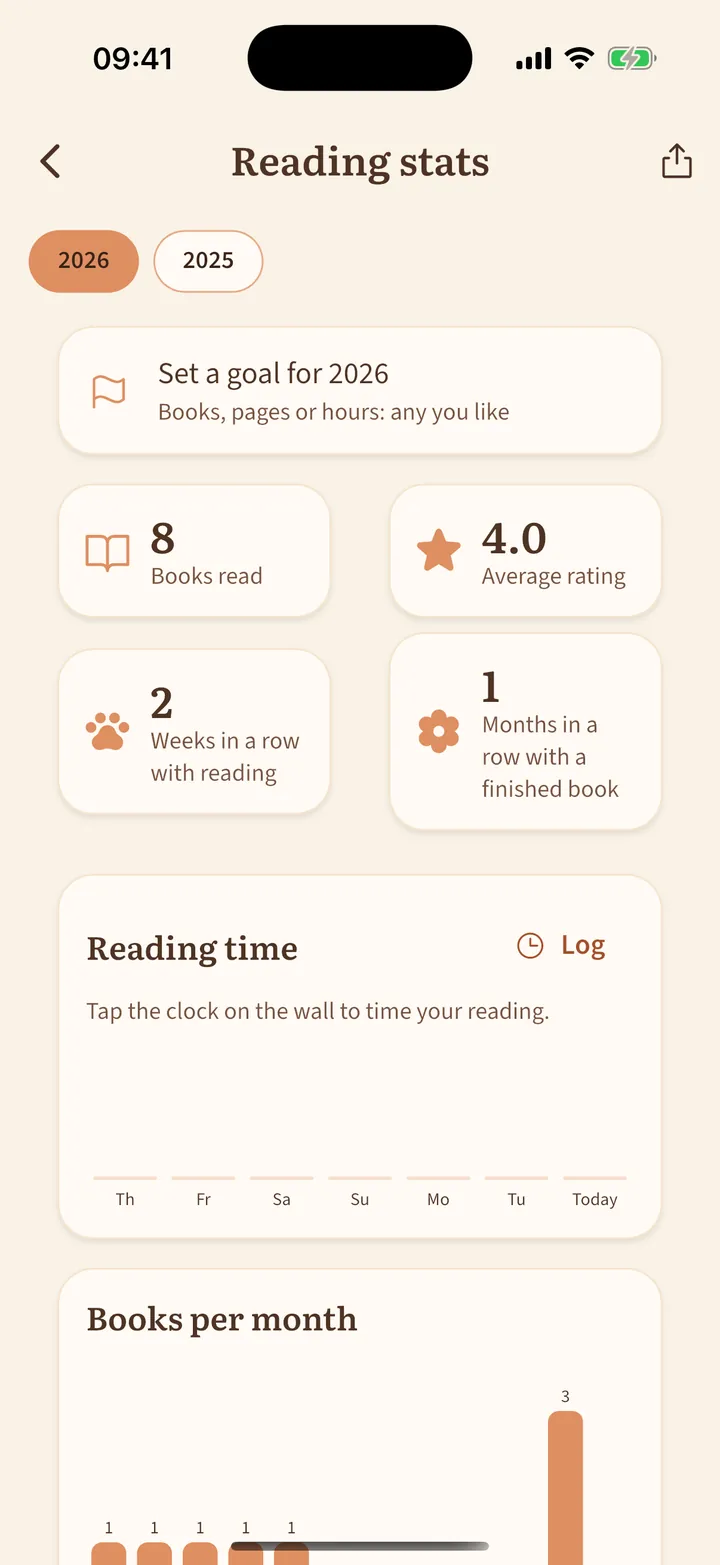
Reading goals, challenges and stats
See how your reading year is going.
- Tap the calendar or the chart icon at the top.
- Set a goal in books, pages or hours.
- See books per month, reading time by day and your streaks. Paw prints on the calendar mark the days you finished a book.
- With the corkboard from the shop, pin up your own reading challenges, like “3 classics this year”, and watch them fill.
Prefer not to count streaks? Turn them off in Settings.