 Paperpaws
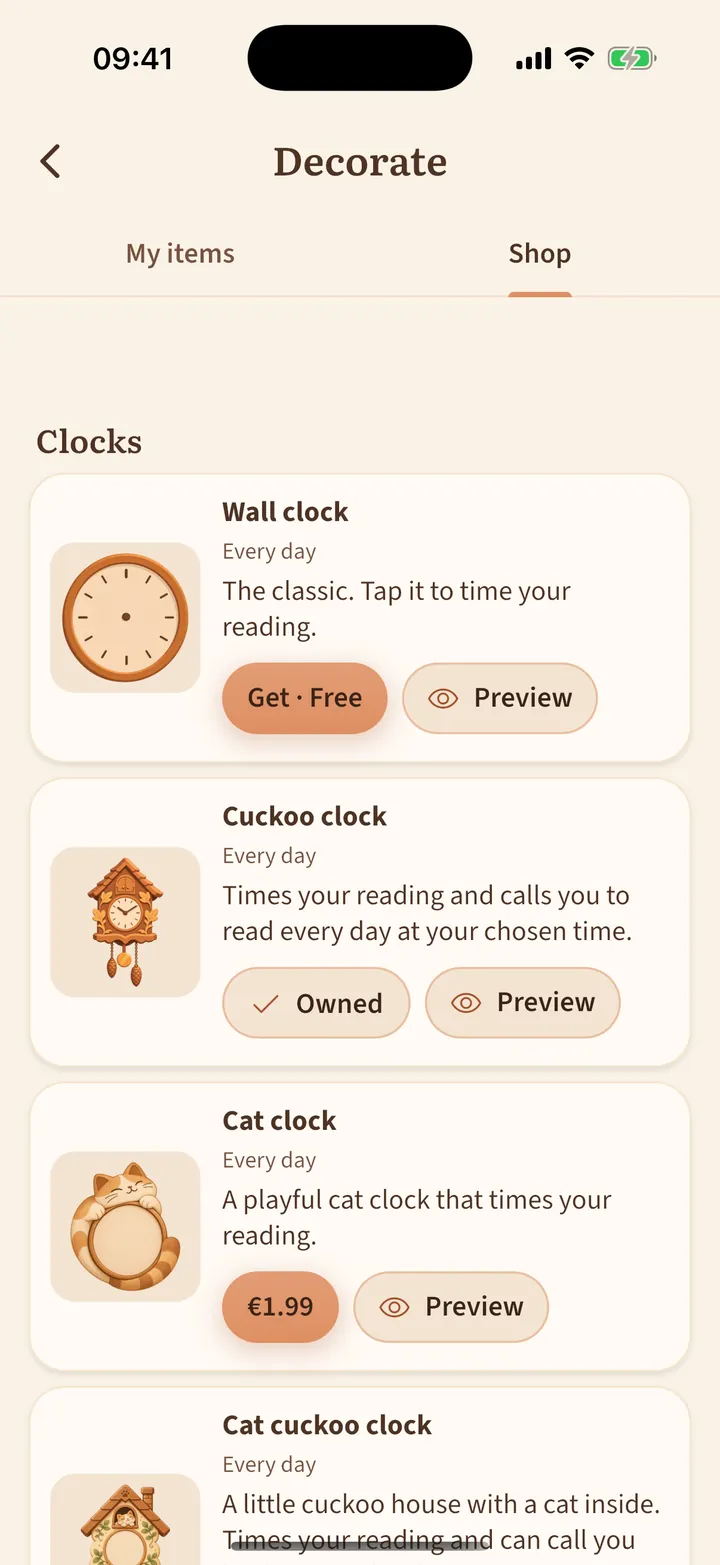
Decorate the room
Make the room yours with plants, clocks, rugs, lights and holiday things.
- Tap the armchair icon at the top left, then Shop.
- Tap Preview to see an item in your room first.
- Items you get go straight into the room. In My items you can move them or put them away.
- Each spot holds one item; a new one sends the old one to storage.
Changed phones or reinstalled? Your items come back with Restore purchases in the shop.