 Paperpaws
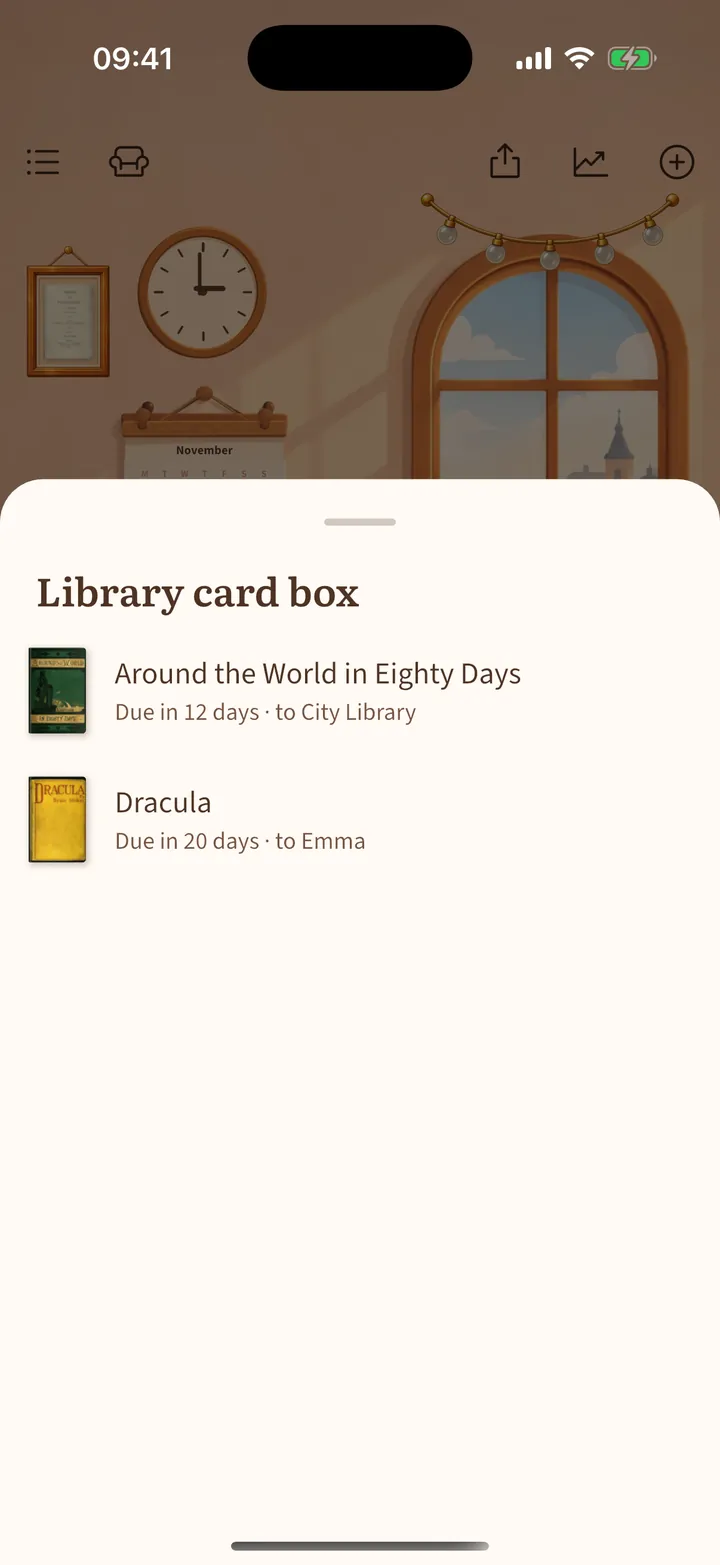
Library card box and loans
Keep track of borrowed and library books and when they are due.
- On a book page, set Copy to Borrowed or Library, add who it is from, and a Return by date.
- Paperpaws reminds you two days before and on the day.
- With the library card box from the shop, tap the box on the bookcase shelf to see every book that has to go back.