 Paperpaws
Add a book
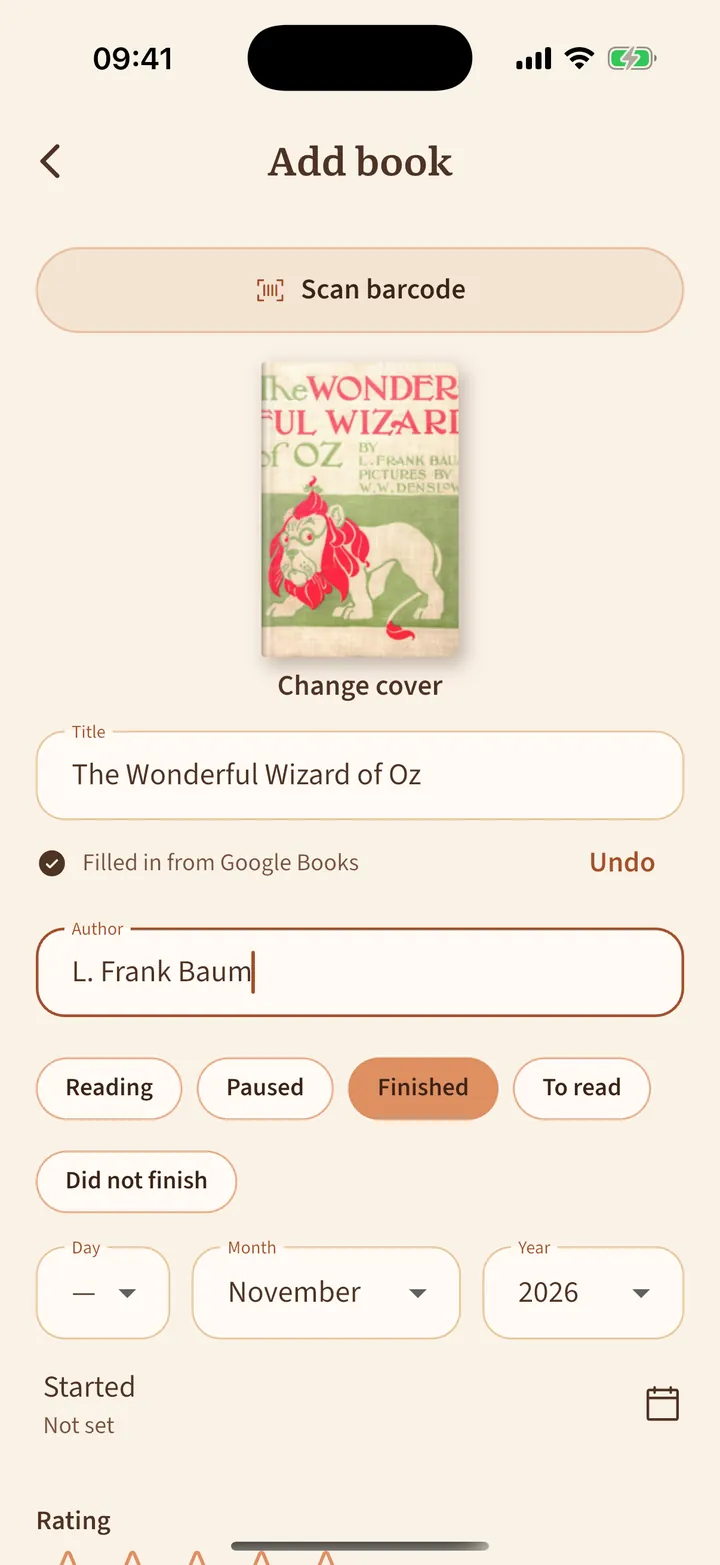
Scan a barcode or type a title. Paperpaws fills in the rest.
- Tap + at the top right of the room.
- Tap Scan barcode and point the camera at the barcode on the back of the book, or type the Title.
- When you move on, Paperpaws looks the book up in the language you typed and fills in the author, cover, pages and description. Tap Undo if it picked the wrong book.
- Choose Reading, Finished, To read or another status, add a rating if you like, and tap Save.
No match? Pick one of the suggestions under the title, or simply type the details yourself. Tap the cover to choose another one or take a photo.