 Paperpaws
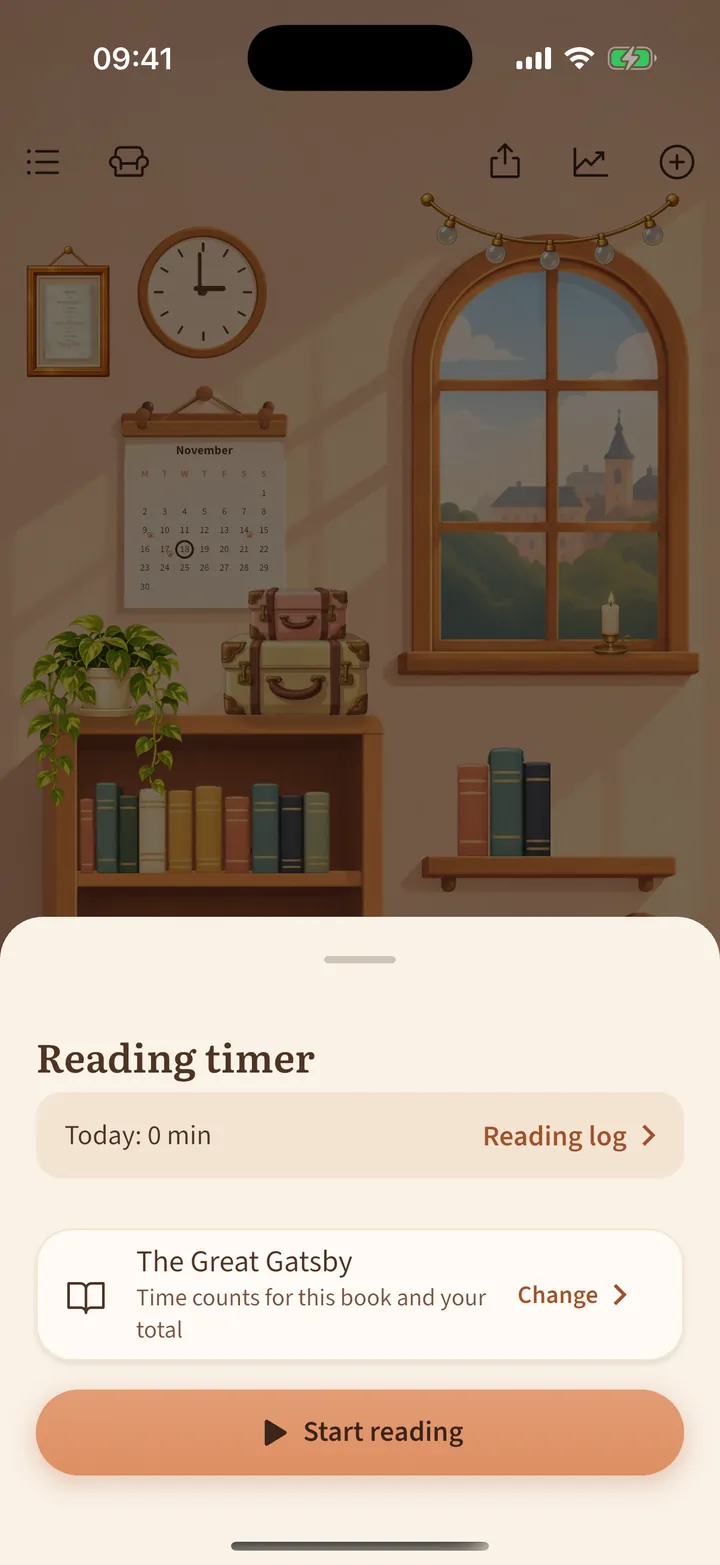
Reading timer and log
Time your reading. Minutes add up for each book and for your day.
- Tap the wall clock in the room (or Start timer on a book).
- Check the book, or tap Change to pick another, then tap Start reading.
- The timer keeps running when the phone is locked. Tap the clock again and Stop when you finish.
- Forgot the timer? Open Reading log to fix a session or add one by hand.
Stopping a very long session asks when you really stopped, so a forgotten timer never spoils your stats.